Troubleshooting
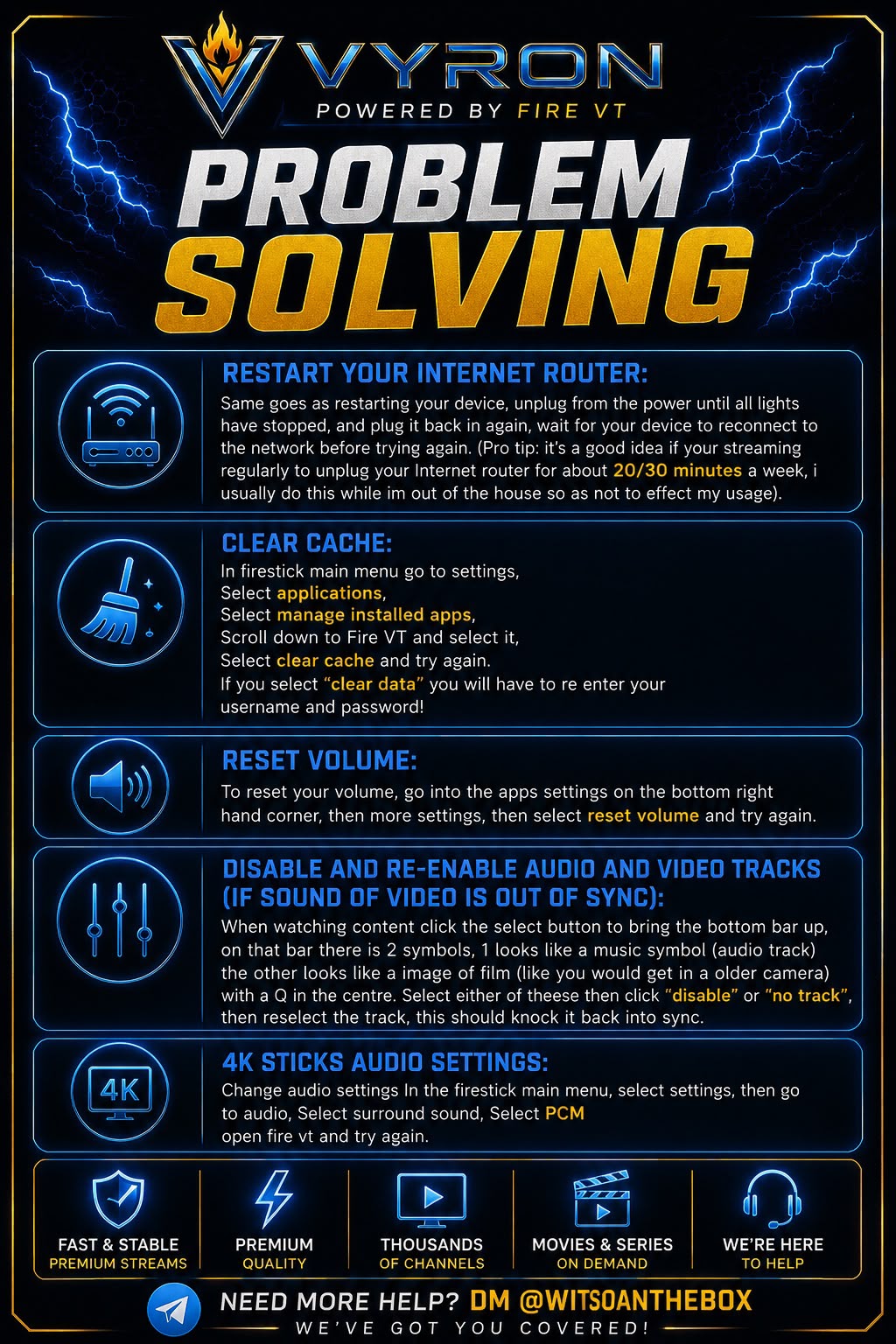
Fix missing sound or audio out of sync
First check the TV volume, mute setting, speakers and whether other apps have sound.
- For a volume issue, open Fire VT → Settings → More Settings → Reset Volume, if available, then retry.
- If your player shows audio or video track controls, open them during playback and reselect the appropriate track. Some players offer Disable / No Track before you reselect a track. Controls vary by player.
- For audio out of sync, stop and reopen the content, then try an alternative player in Fire VT → Settings → Player.
- On supported Fire TV devices, try Settings → Display & Sounds → Audio → Surround Sound → PCM. Menu labels may differ; note the previous setting so you can restore it.
- If the issue remains, send Davie the affected content, player, device model and whether other apps have sound.
Original poster
Older poster reference. Follow the written steps above if the wording or menu names differ.
Still need a hand?
Send Davie your device model, the exact error and the steps you have tried.
Message Davie on Telegram