Troubleshooting
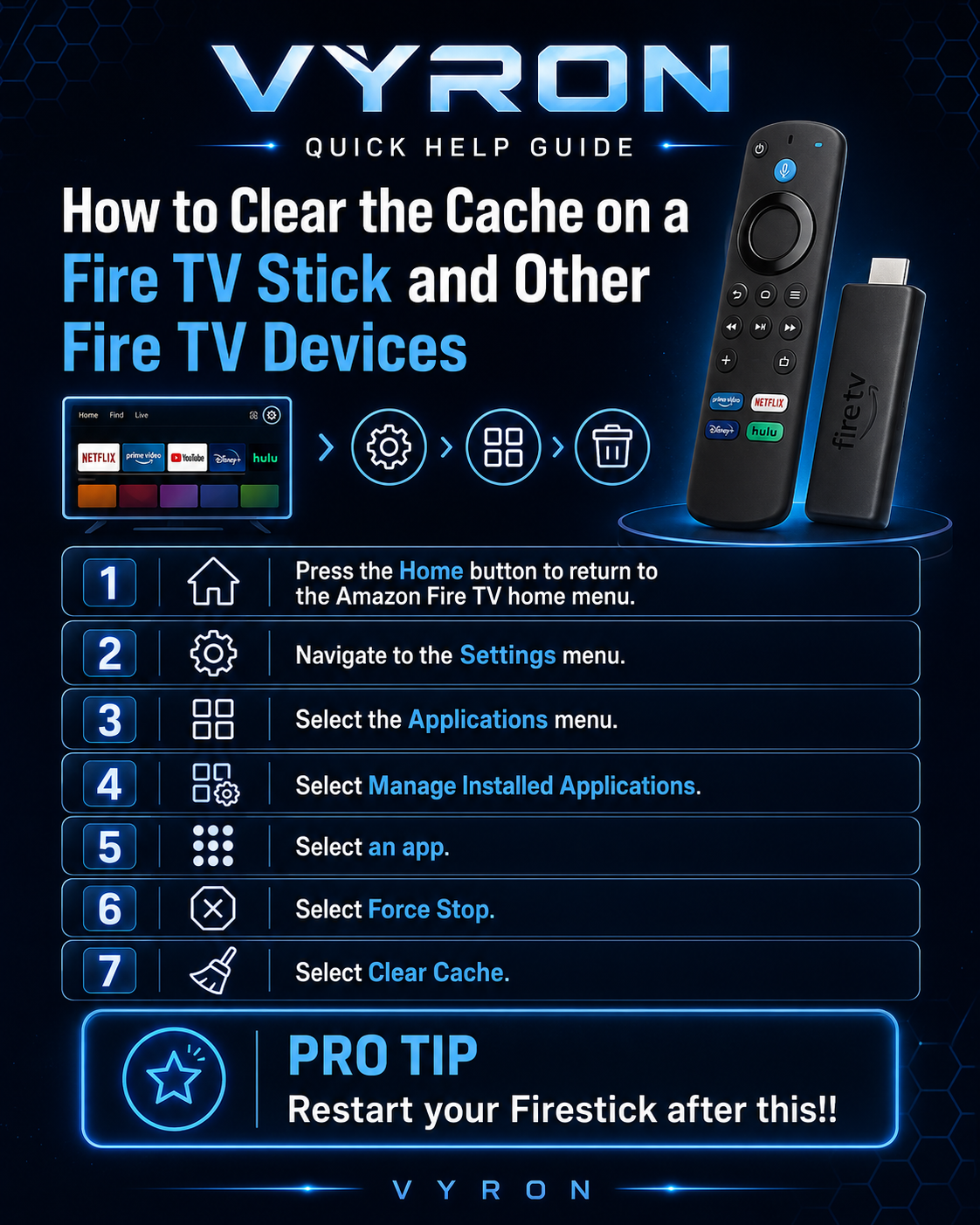
Clear the cache on a Firestick
Clearing cache removes temporary files and may help an app that is slow or behaving unexpectedly.
- Press Home and open Settings.
- Select Applications → Manage Installed Applications.
- Choose Fire VT (or the app you want to clear).
- Select Force Stop, then Clear Cache.
- Reopen the app. Restart the Firestick if the issue continues.
Original poster
Older poster reference. Follow the written steps above if the wording or menu names differ.
Still need a hand?
Send Davie your device model, the exact error and the steps you have tried.
Message Davie on Telegram