Troubleshooting
First steps for app or playback problems
Try one change at a time and check playback after each step.
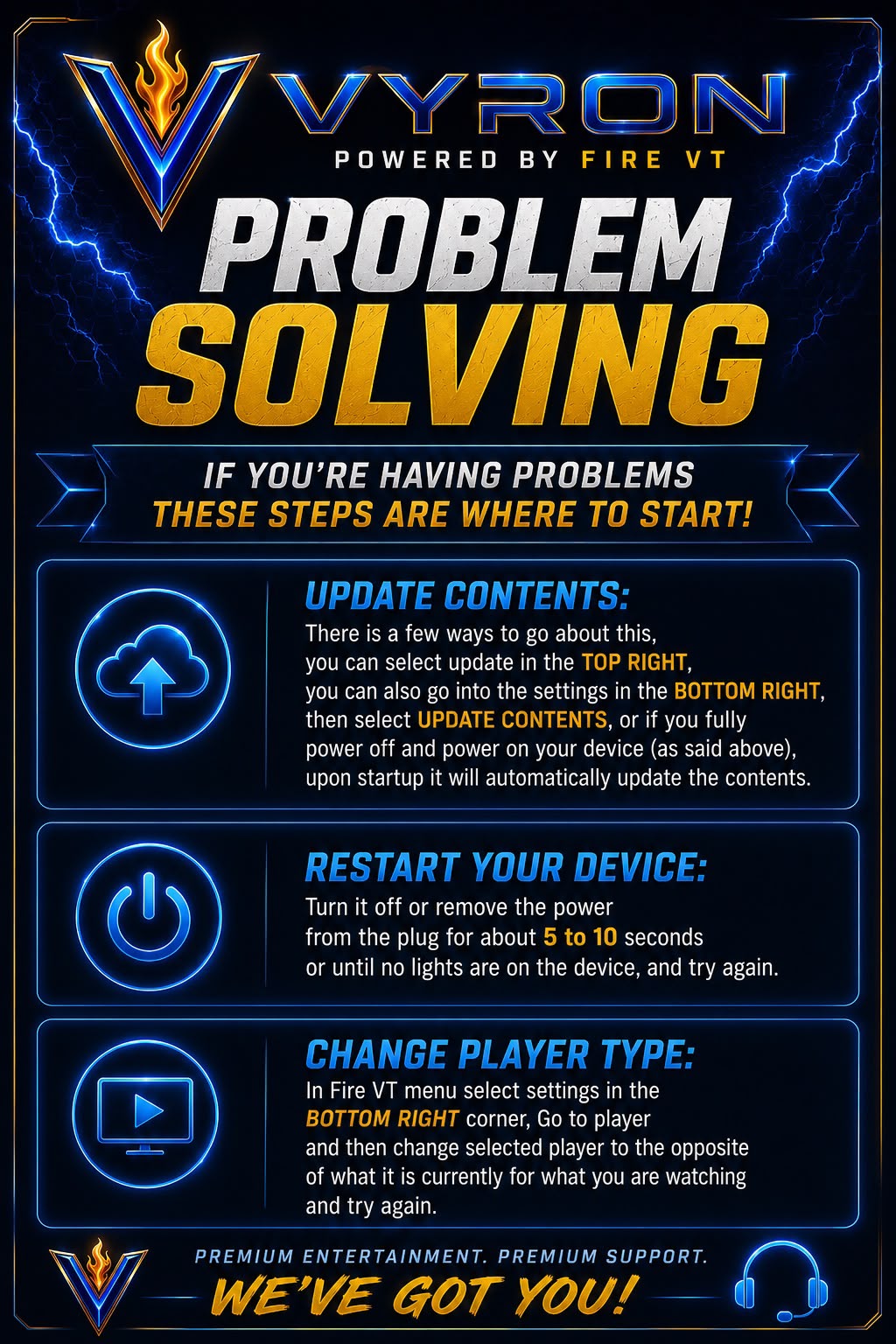
- In Fire VT select Update Contents at the top right, or Settings → Update Contents, if those controls are available.
- Restart your device using its Settings menu. If necessary, turn it off and briefly disconnect power, then reconnect. Never interrupt a software update.
- Clear Fire VT’s cache using the guide for your device. Do not select Clear Data.
- Open Fire VT → Settings → Player. Choose another available player for the affected section, then retry the same content.
- If the problem continues, run the in-app speed test and send Davie the result with the error and device details.
Original poster
Older poster reference. Follow the written steps above if the wording or menu names differ.
Still need a hand?
Send Davie your device model, the exact error and the steps you have tried.
Message Davie on Telegram